 supportefy
Make your own talking avatar
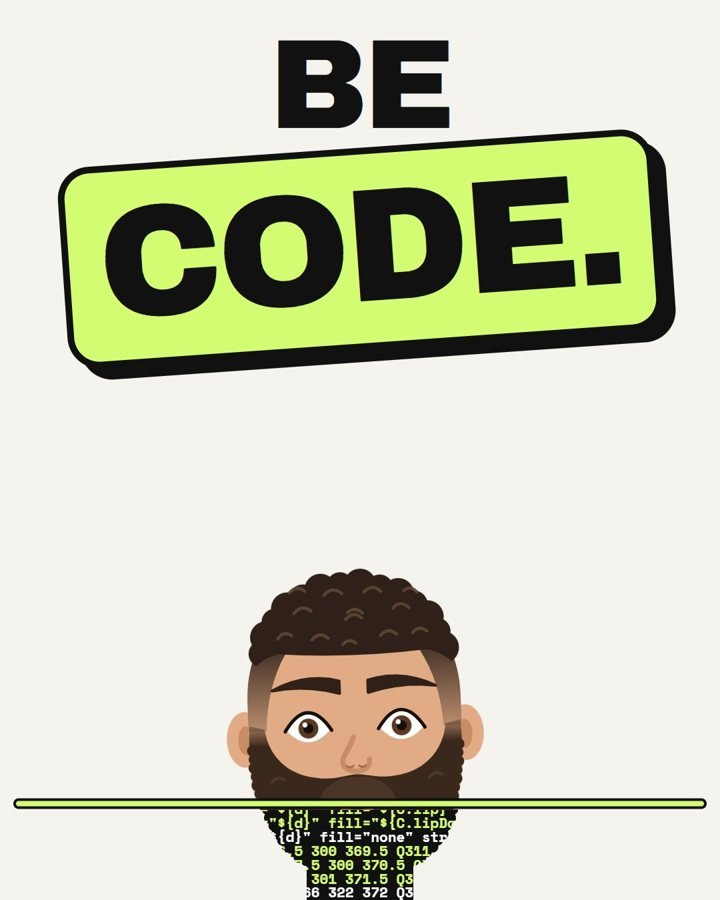
These are the steps we used for the reel: an avatar drawn in code that talks with a clone of your own voice. Copy the prompts, use the starter file, and change whatever you like.
New files go out on Instagram, @supportefy. The full story is in the article.
What you need
- Claude, in a chat that accepts photos. Claude Code is easier for step 6.
- Three photos of you in daylight: your face from the front, your hair close up, and your beard or chin close up.
- A voice: your phone's voice recorder is enough. Cloning is optional.
- Patience. Ours took a full day and four styles.
The steps
Get a first drawing
Send Claude your three photos with this prompt. Ask for code, because a picture can't move its mouth.
Draw me as a flat vector character in SVG code, using the photos I attached.
Front view, head and shoulders, plain background.
Match these from the photos: hair shape and colour, eyebrow thickness, eye colour, nose width, beard or no beard, skin tone, face shape.
Flat colours, clean edges, no gradients, no outline.
Build it from separate groups: hair, face, ears, brows, eyes, nose, mouth, beard, neck, shirt.
Give me one HTML file I can open in a browser.
Pick one style
Compare before you polish. We drew four and kept one.
Keep the same face and draw it in four styles side by side: flat, with a thick dark outline, minimal with almost no details, and soft with rounded shapes.
Put a number under each one. Don't change the face between them.
Fix one thing at a time
Look at one picture on your phone and change one part per message. With several notes in one message, you can't tell which change caused what.
Change only the [hair]. Keep every other part exactly the same.
It should be [shorter and less curly], like the close-up photo.
Show me one picture: the old one on the left and the new one on the right.
Split it into parts that can move
This turns a drawing into an avatar. Ours uses these parts:
| Part | How many | Shapes |
|---|---|---|
| Mouth | 8 | rest, closed, small, open, wide, round, grin, flat |
| Eyes | 4 | open, blink, wide, happy |
| Brows | 4 | neutral, raised, doubt, serious |
| Each arm | 5 | point, open hand, present, thumb up, fist |
Turn this character into a rig in one JavaScript file.
Function 1: drawAvatar(options) returns the SVG.
Function 2: setAvatar(svg, state) swaps parts without redrawing.
Parts: mouth (rest, closed, small, open, wide, round, grin, flat), eyes (open, blink, wide, happy), brows (neutral, raised, doubt, serious), each arm (none, point, open, present, thumb, fist), plus head tilt and where the eyes look.
Every version of a part is its own group with a name, so I can change one later.
Then make a page that shows every part on one sheet.
Make it talk
The mouth follows how loud the voice is, 30 times a second. Our numbers: under 7 percent the mouth is closed, up to 30 it's small, up to 62 it's open, and above that it's wide. On words with an "o" sound we use the round mouth.
Make the avatar talk with the audio file I give you.
Measure the loudness every 20 milliseconds. Rise fast and fall slowly, so the mouth opens quickly and closes softly.
Pick the mouth 30 times a second: under 7 percent closed, up to 30 small, up to 62 open, above that wide. Use the round mouth on words with an "o" sound.
Blink every 2 to 4 seconds. Tilt the head slightly while talking.
Change the arm and brow pose on important words, never in the middle of a quiet part.
Turn it into a video
We used HyperFrames with Claude Code: it renders an HTML page to a video file on your own computer. The simple way is to record your screen while the avatar talks.
Make a vertical 1080 x 1920 video with HyperFrames, using my avatar file and my voice recording.
The avatar stays at the bottom. One picture in the middle shows exactly what each sentence says. Captions sit at the top, two to four words at a time, timed to the voice.
Something visible happens in the first 2 seconds. Nothing stays still for more than 1 second.
Show me still frames at every sentence before you render.
Use your own voice
Record yourself, or clone your own voice with a service like ElevenLabs. Check that your plan allows commercial use before you post. Clone only your own voice, and turn on Instagram's AI label when the voice is cloned.
Write the script as a small story with a second person in it, and put directions in square brackets, like [whispers] or [deadpan]. A list sounds flat in any voice.
What went wrong for us
- The hair. It was too curly. We changed it, then went back. Decide early what you can live with.
- A textured beard. It didn't work in a flat drawing. A plain shape with a bumpy edge did.
- The first script. It was a list, and it sounded like one. The story version worked.
- A robot voice for testing. It made a good picture look bad. Use the real voice, or watch without sound.
What does your business do?
Tell us in one line and we'll say where an avatar like this would help you, and where it wouldn't.
The character in the starter file is a neutral example you can use and change. The avatar in the reel belongs to its owner and isn't included. Claude, Claude Code, HyperFrames, ElevenLabs, Instagram and WhatsApp belong to their owners; we aren't affiliated with them.